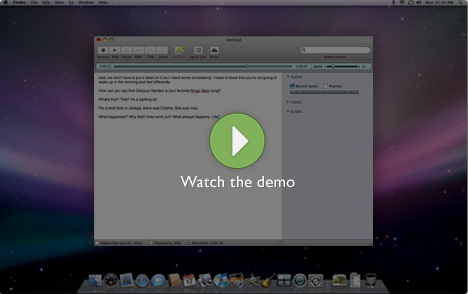
Record everything. By integrating traditional text notes with audio, video, and slides, Pear Note ensures that you never miss a thing."


Do you:
Look at your notes and wonder what they mean?
Pear Note can jump straight to the point in the recording where you typed that note, so you can listen to what was going on at the time and use the recording to interpret your notes.
Find that your notes have large gaps?
Pear Note lets you navigate to the end of the notes you did take, so you can listen to or watch what was going on when you zoned out and fill in the gaps.
WHAT PEOPLE ARE SAYING
“It's like TiVo for note taking.” - TUAW
“If you have a regular need to take notes and you own a portable Mac, I can’t recommend Pear Note enough.” - Fresh Arrival
“Advanced Note Taking” - Learning Aloud
Key features:
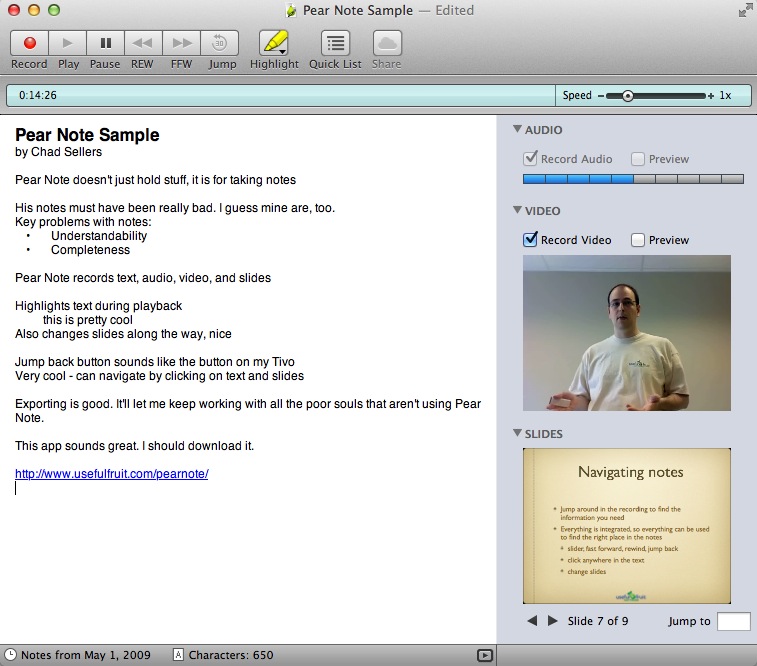
Records keystrokes, audio, video, and slides
Pear Note records audio, video, and what you do, including typing notes and changing slides, on a timeline. Since keystrokes and slide changes are kept on this timeline, you can easily find what was being said during typing or a particular slide.
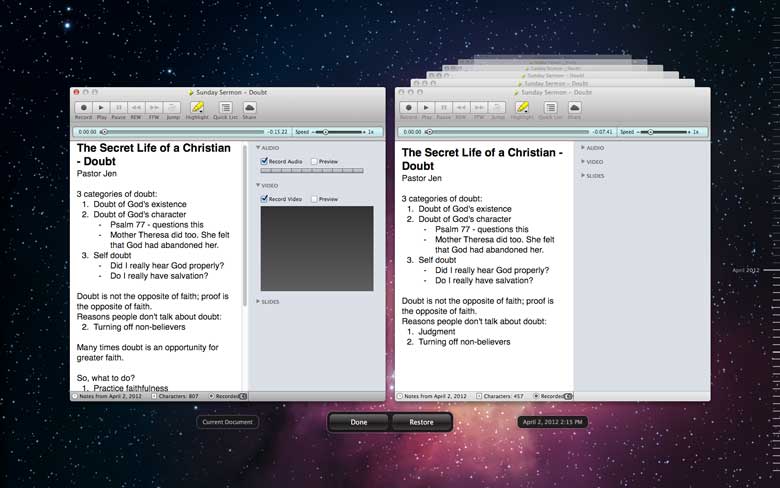
Supports the latest document features from OS X Lion
Pear Note supports Auto Save and Versions when running on Mac OS X Lion or later, which means you never have to worry about saving or losing data again. If you find that you lost something, easily browse through history to find what's missing.
Instantly jump to anywhere in the recording
using the text or the slides
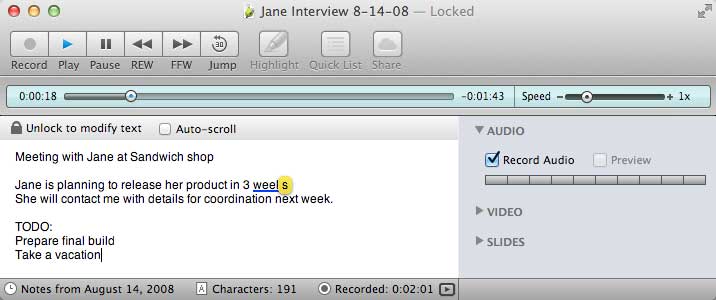
Not only can you jump to anywhere in your recording by using the timeline slider, but you can also use your text notes or slides. Just click anywhere in the text and playback will jump to the moment you typed that character. Change the slide displayed and playback will jump to the moment you changed to that slide during recording.
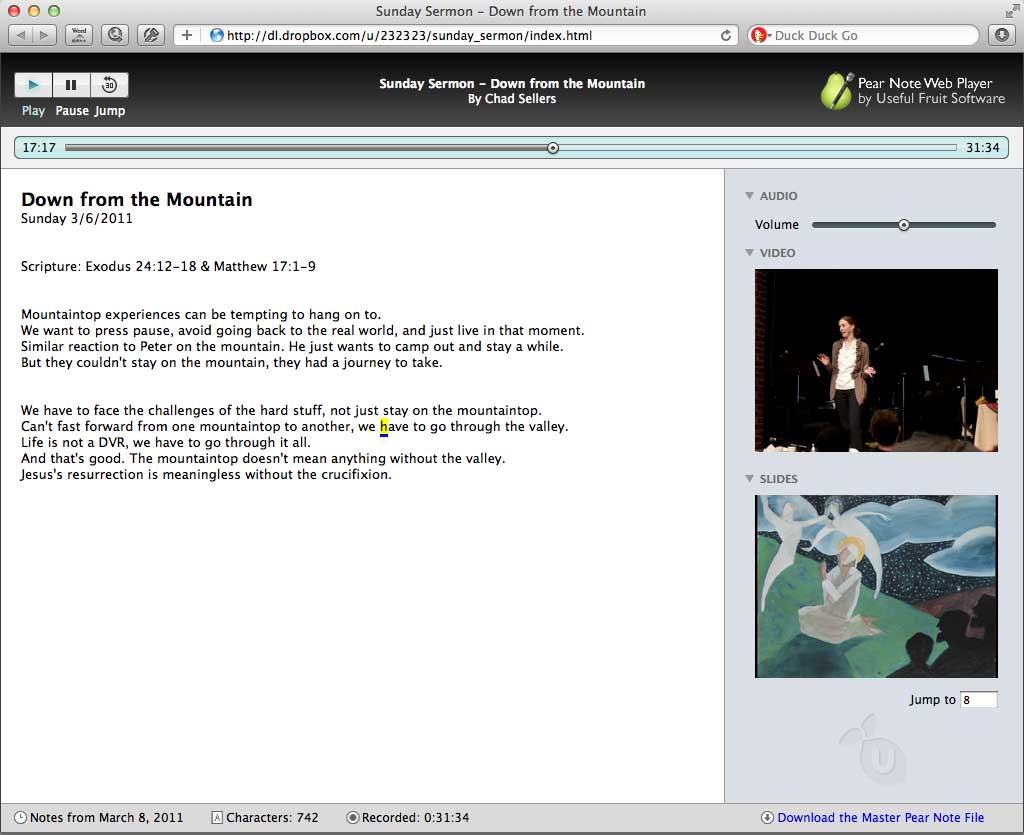
Share notes with anyone on the web
Generate a web version of your notes that anyone with a web browser can view, play, and interact with. These can be shared via many web services, including Dropbox. Click the demo above to see a generated web version of a note for yourself.